
Speech to text that stays on your phone
Record or import
Record a class, a meeting or a voice memo; it keeps recording with the screen locked. Or bring in audio and video from the Files app or another app's share sheet: m4a, mp3, wav, aac, caf, mov and mp4.
Transcribed on device
An open-source Whisper model does the work on the iPhone. In our test on an iPhone 16 Pro Max the Fast model ran at about 50× real time once warmed up — roughly 70 seconds for an hour of audio.
Edit and export
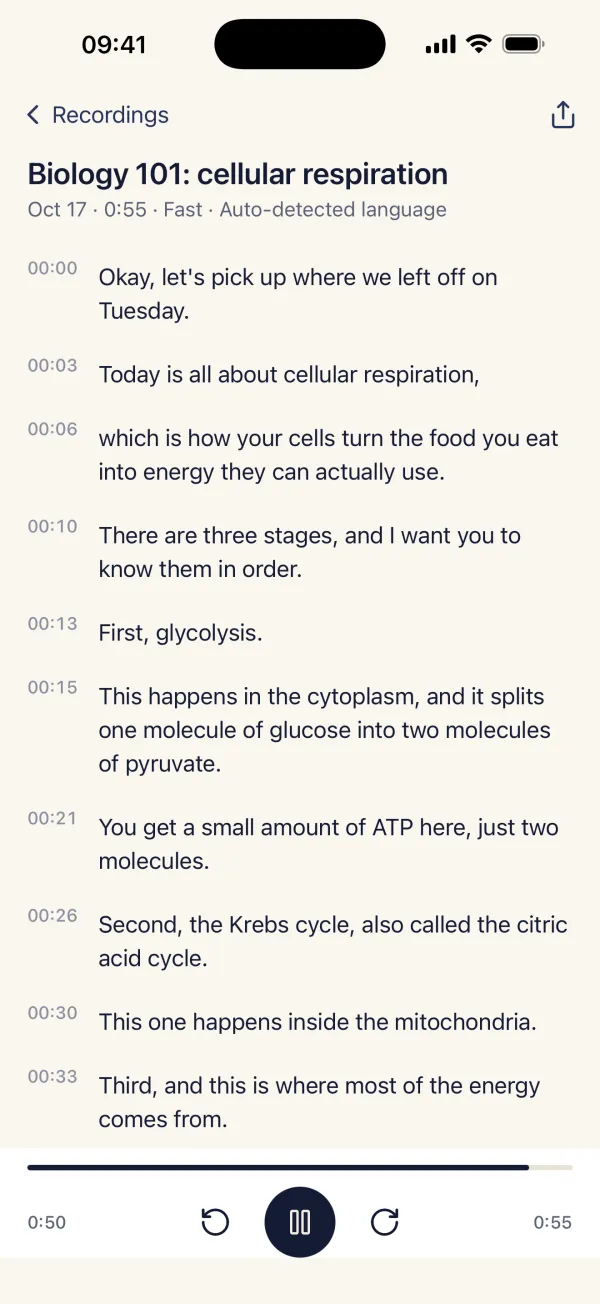
Tap any line to hear that moment of the original audio, fix a word, and it's saved as you type. Export plain text or .srt subtitles with timestamps, edits included.
Who it's for
Lecture transcription for students
Record the whole class, then search and skim the text instead of scrubbing through audio. Tap a sentence you didn't catch and hear it again. Hour-long lectures are handled in pieces, and if you switch away mid-way it picks up where it stopped.
Interview transcription for journalists and researchers
Your sources' words never pass through someone else's server. Correct names as you read, then export a clean .txt with your edits for quoting or coding.
Subtitles from your own video
Import a .mov or .mp4 from Files and export an .srt with the original timestamps, ready to load in your editor.
Private transcription, by design
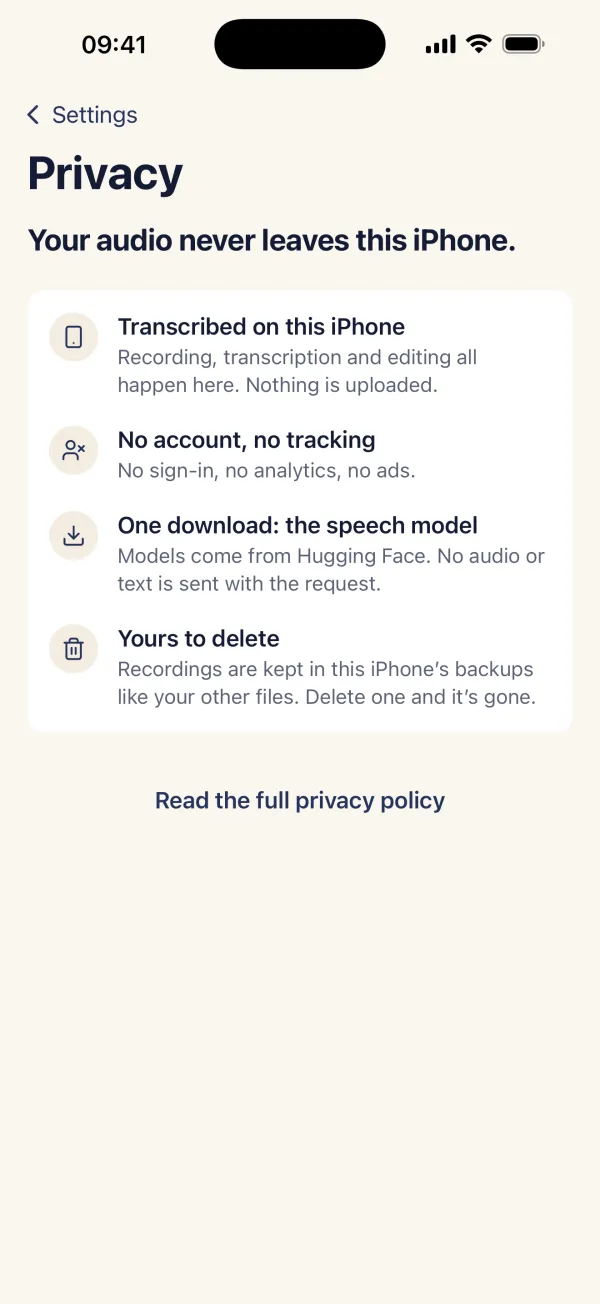
- No account, no cloud, no upload.
- No analytics, ads or tracking — the App Store label reads Data Not Collected.
- The only network use is the one-time model download and the App Store purchase.
- Works in airplane mode once the model is on the phone.
- Your recordings stay in the app until you delete them.
Simple pricing
3 transcriptions free, export included. Then $7.99, once, for unlimited transcriptions.
No subscription and no per-minute fees. Restore your purchase from Settings on a new iPhone.
Download on the App Store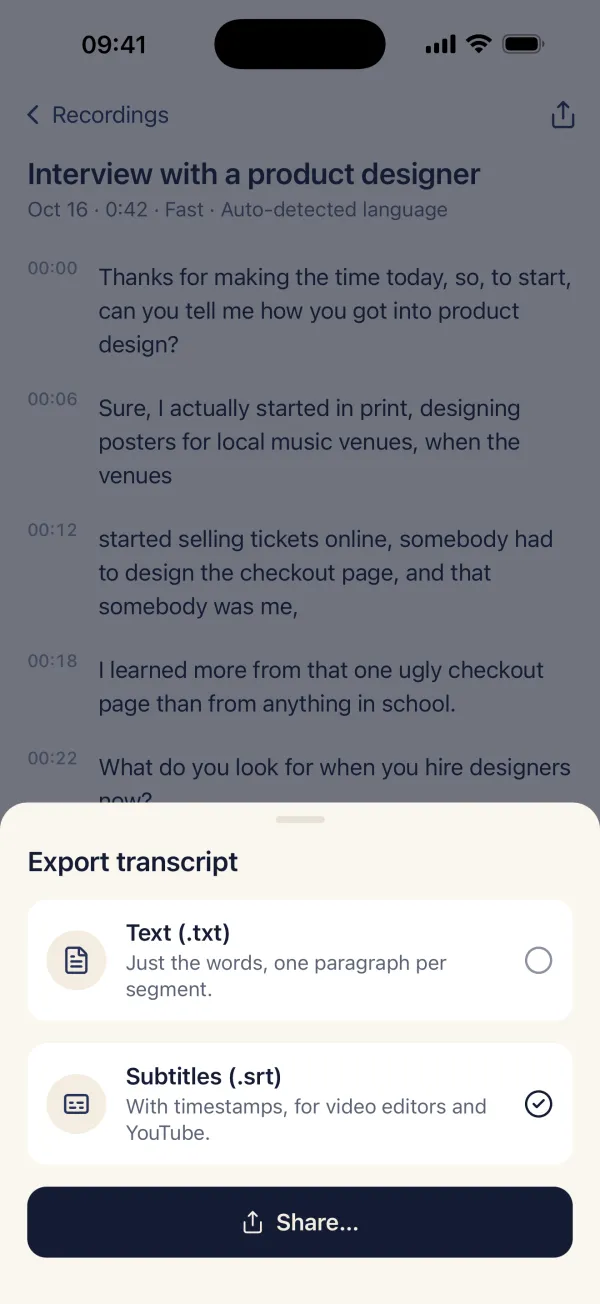
Questions
Does Hushscribe work offline?
Yes. The speech model downloads once (57 MB for Fast, 181 MB for Accurate). After that, recording, transcription, editing and export all work in airplane mode.
Is my audio uploaded anywhere?
No. There is no account and no server. Audio and transcripts stay in the app on your iPhone until you delete them.
Fast or Accurate?
Fast (57 MB) is the default and handles clear speech well. Accurate (181 MB) is a larger, slower model — try it if Fast stumbles on your audio. You can switch or delete models in Settings.
Which languages does it understand?
It detects the spoken language automatically, or you can pick one of 100 languages.
Can it make SRT subtitles?
Yes. Export as .srt with the original timestamps, including any words you corrected.
Does it run on iPad?
Hushscribe is made for iPhone. It also opens on iPad in iPhone compatibility mode.